
I’ve had my Pico for over a year now and the first thing you have to do is to install the firmware. Checking the Pico website, I noticed a newer version was available so I wanted to install it.
To check your current version run the following python from thonny
import os
print(os.uname())
On my board this returned the following.

Or, this command.
import sys
sys.implementation
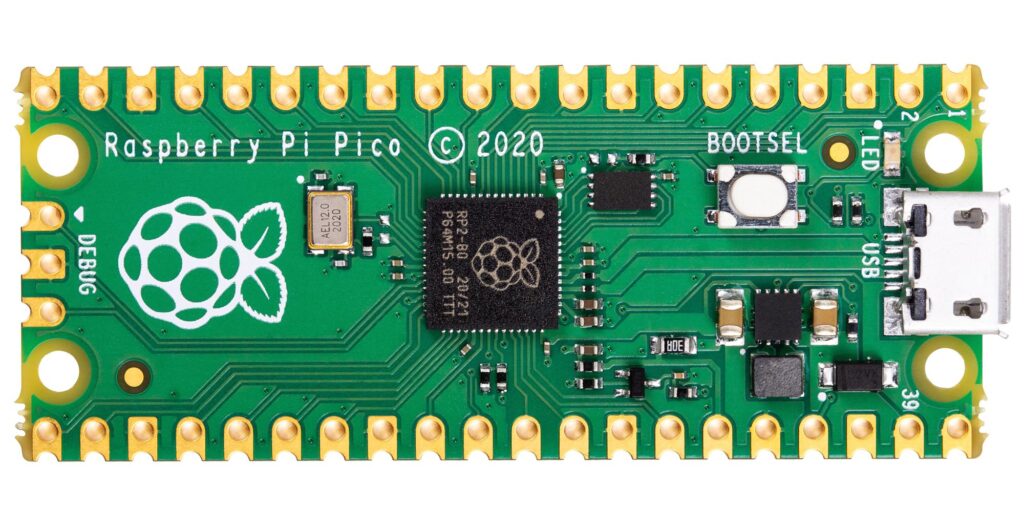
Power-up your Pico holding the bootsel button and in your file manager you’ll see it as a removable device. Drag and drop the file onto the folder with the INDEX.HTML file and INFO_U2.TXT if you’ve got a valid file the device will automatically reboot and the drive will disappear. You Pico will be running the main.py file if you;ve set one.
That’s all chaps!
A retired chartered engineer with too much time on his hands